 by
by Every smartphone battery degrades with use. It is a normal chemical process that no phone can avoid. But how quickly your battery wears out depends a lot on how you use and charge it. Small changes in your daily routine can add months — sometimes years — of healthy battery life. Here is how battery health works and what you can actually do to protect it.
Why Batteries Wear Out
Modern phones use lithium-ion batteries. Each time you charge and discharge the battery, tiny chemical changes occur inside it. Over time, these changes reduce the battery’s ability to hold a charge.
Two factors cause most of the wear:
- Heat — high temperatures damage lithium-ion batteries faster than almost anything else.
- Deep discharges — regularly draining the battery to zero and charging to 100 percent stresses it more than keeping it in the middle range.
Battery health is usually measured as a percentage of original capacity. A new phone is at 100 percent. After a year or two, it might drop to 85–90 percent. When health falls low enough, your phone will not last through the day and may slow down to protect itself.
The Golden Rules of Charging
Avoid Extreme Levels
The battery is happiest between roughly 20 percent and 80 percent charge. It does not mean you must obsess over the exact numbers, but avoid regularly:
- Letting the phone die completely at 0 percent.
- Leaving it at 100 percent plugged in for long periods.
Many modern phones have a feature called “optimized charging” or “battery limit.” It pauses charging at around 80 percent and finishes just before your alarm, or holds the charge at 80 percent. Turn this feature on — it requires no effort from you.
Use the Right Charger
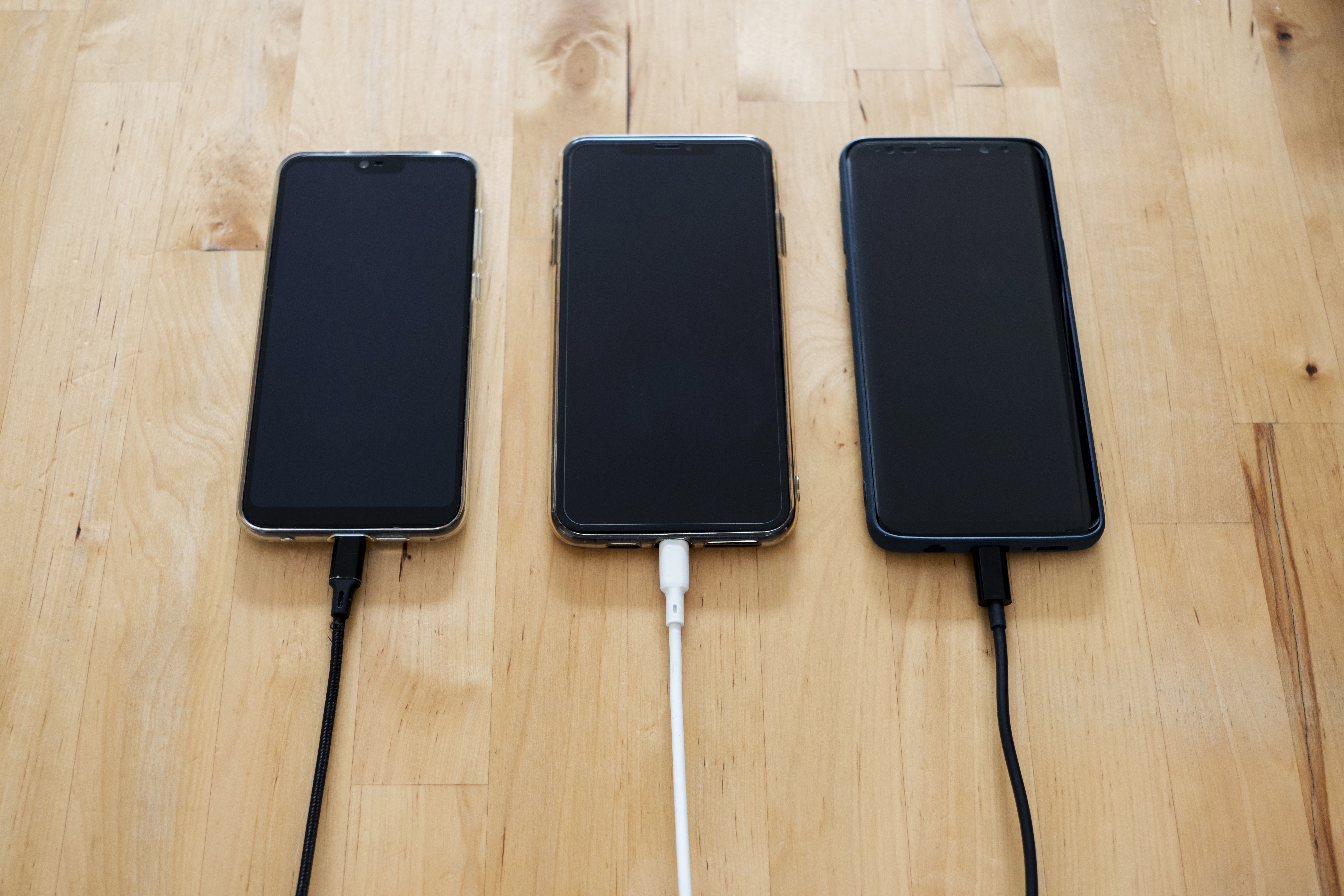
A good-quality charger that matches your phone’s specifications is always safer than a cheap, unknown brand. Fast chargers are convenient, but they generate more heat. For overnight charging, a standard slower charger is actually kinder to the battery.
Don’t Leave It Plugged In Overnight in the Heat
Charging overnight is not necessarily harmful thanks to smart charging features, but avoid charging on a hot surface such as a pillow, blanket, or directly under sunlight. Heat is the battery’s enemy.
Heat: The Silent Killer
Heat accelerates battery aging dramatically. Keep these habits in mind:
- Do not leave your phone in a parked car on a hot day.
- Avoid heavy gaming while charging, which produces a lot of heat.
- Take off thick cases during fast charging if the phone feels hot.
- Do not leave the phone on a radiator or near a stove.
A phone that is warm to the touch is fine. A phone that is hot enough to be uncomfortable to hold is under stress.
Managing Screen and App Usage
Battery health and daily battery life are different things, but habits that drain your battery faster also force more charge cycles, which increases wear. Practical ways to reduce drain:
- Reduce screen brightness or use auto-brightness.
- Turn off background app refresh for apps you rarely use.
- Use Wi-Fi instead of cellular data when possible — cellular data uses more power.
- Enable battery saver mode during long days.
- Close apps that use GPS in the background, like navigation apps.
Should You Use a Battery Health App?
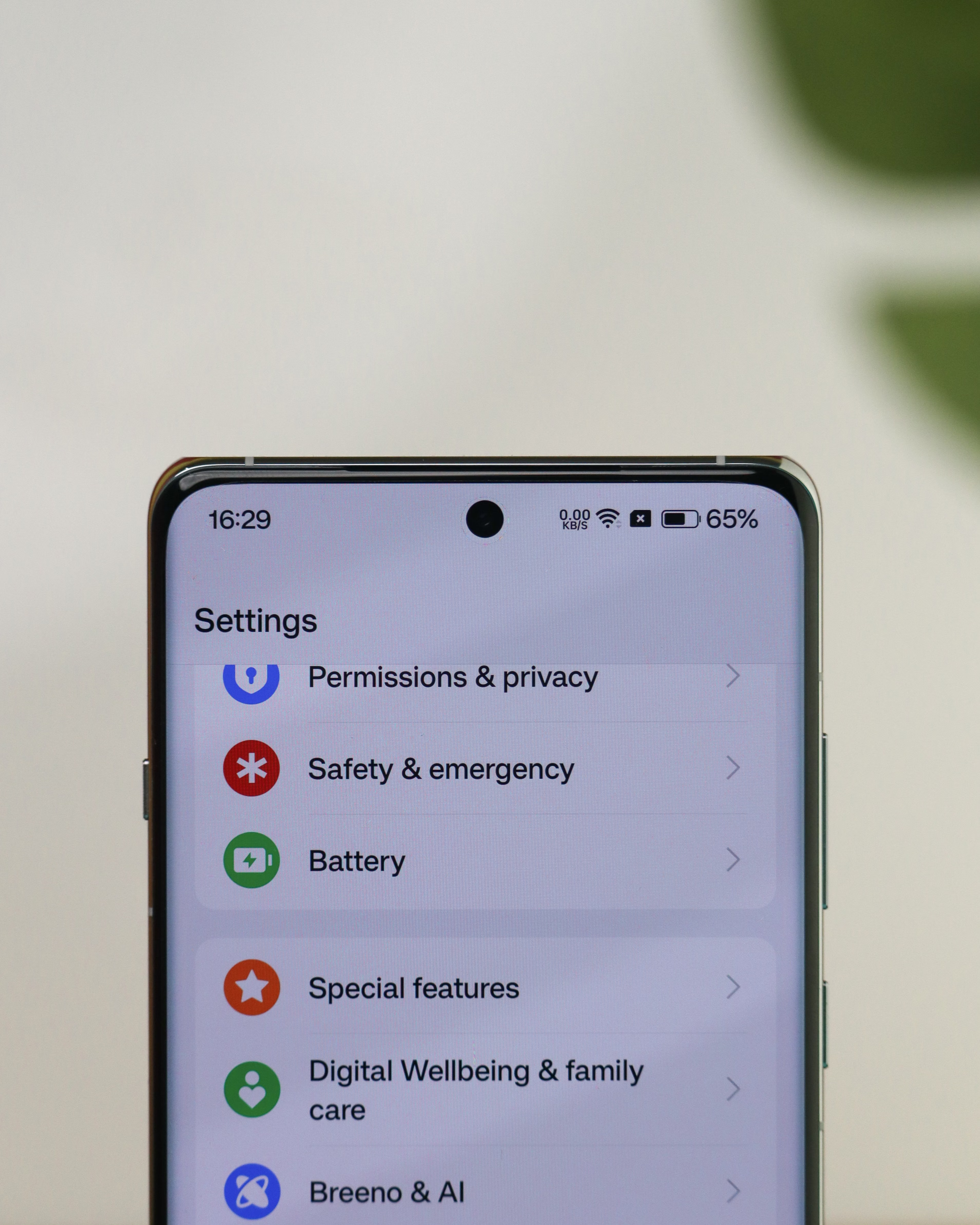
Most phones now show battery health in their settings menu — look for “Battery Health” or “Battery & Charging.” Third-party battery apps often guess the numbers and can be inaccurate. Rely on your phone’s built-in reading instead.
When Should You Replace the Battery?
Most people notice problems when battery health drops below about 80 percent. At that point:
- The phone may last only half a day.
- Performance may slow because the phone reduces power to prevent shutdowns.
- The phone may turn off unexpectedly in cold weather.
If this happens, replacing the battery is usually cheaper than buying a new phone and can restore near-original performance. Official replacement services are safer than cheap aftermarket options.
Quick Summary of Good Habits
-
- Keep charge between 20 and 80 percent when practical.
- Enable optimized or 80 percent charging limit.
- Avoid heat — especially sunlight, cars, and charging while gaming.
- Use quality chargers; slow chargers overnight are gentle.
- Don’t obsess — the occasional full charge or drain will not ruin your phone.
Conclusion
You do not need to treat your battery like a fragile treasure. A few sensible habits — avoiding heat, keeping the charge in the middle range, and using smart charging features — will slow degradation noticeably. These small changes can keep your phone feeling new for an extra year or two, saving you money and reducing electronic waste.
This article is for general informational purposes only.


